D2R Mobile Quality-of-Life Features: Auto-Drink, Loot Alerts & Map Guidance
Quick Answer
- What this layer is
- A set of conveniences the original game never had — automation for the chores, filters for the clutter, and guidance for the maps. All of it optional.
- The headline three
- Two-tier auto-drink (you and your mercenary), auto-recast buffs, and valuable-drop alerts with a light beam plus phone vibration.
- How to tune it
- Most features toggle individually in game under Options → Custom — the port expects you to build your own ideal play experience.
Why This Layer Exists
The original Diablo II was designed for a mouse, a keyboard, and a chair. A phone has none of those — so the port does not just shrink the interface, it removes the friction. The result is a set of quality-of-life systems you will not find in any other version of D2R, each documented below from the project's own materials. Everything here is optional: most features toggle one by one under Options → Custom.
Combat That Runs Itself
The defensive busywork — the part of D2R that is muscle memory rather than decision-making — is automated by default:
| Feature | What it does |
|---|---|
| Auto-recast buffs | Buff skills you have learned do not need a skill-bar slot. When a buff expires, it is recast the moment you stand still. Buffs from your secondary weapon (such as Battle Orders from Call to Arms) swap weapons, recast and swap back on their own. |
| Two-tier auto-drink | A healing potion is drunk below 50% Life; a rejuvenation potion below 30%. Ground potions are picked up automatically when the belt has room; double-tap an empty belt slot to refill the whole belt. |
| The mercenary eats too | Your mercenary is fed by the same two-tier rule — a small line with an outsized effect on survivability. |
Loot, Sorted Before You Look
| Feature | What it does |
|---|---|
| Loot filter, automatic | From Nightmare on, the original loot filter switches on by itself — light filtering in Nightmare, heavy in Hell. The floor stops being a wall of text. |
| Selective auto-pickup | Low runes and gems go straight into the Pouch. High runes are left on the ground for you — the port knows which decisions you want to keep. |
| Valuable-drop alerts | High runes and Unique items raise a light beam and land with a distinct drop sound — and the phone vibrates at one of three strengths (light, medium, heavy) according to value. You feel a Ber rune before you see it. |
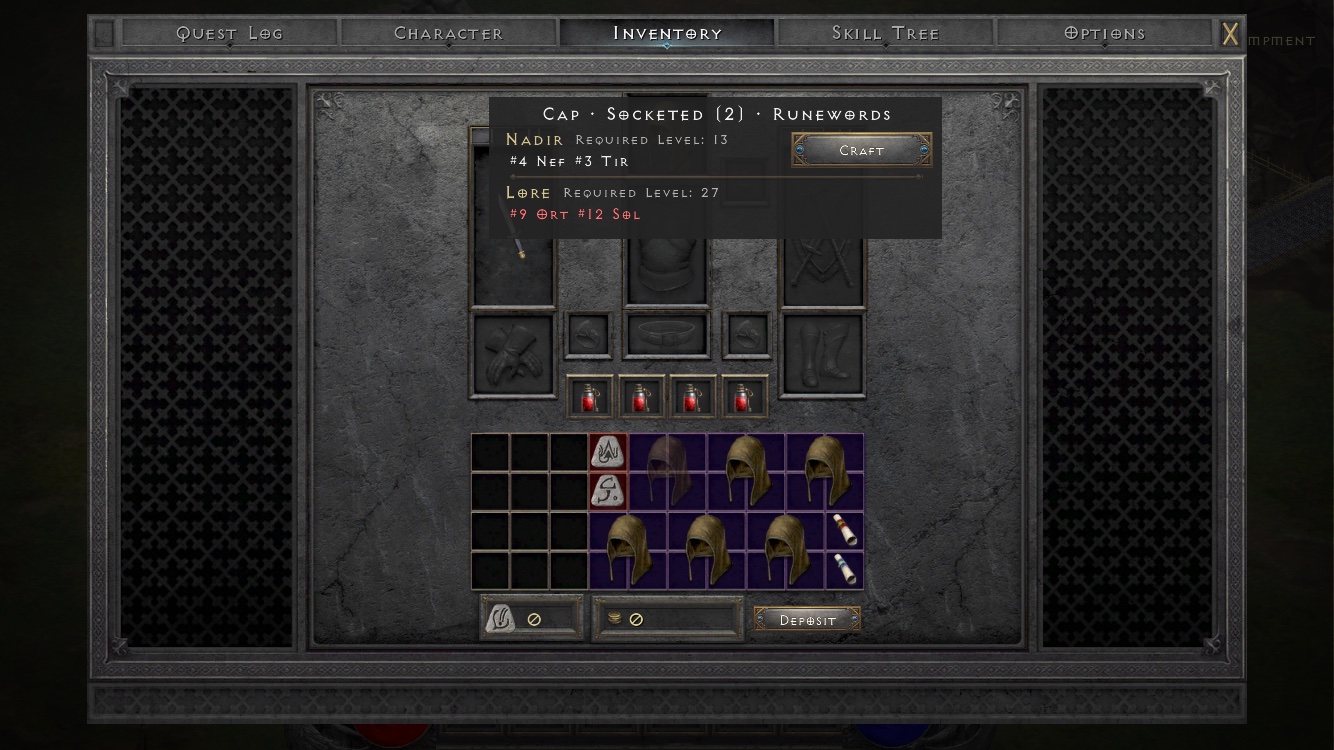
| Runeword helper | Long-press a socketed base to list every Runeword it can make, with stats. Already own the runes? Socket them all in one tap. |
Map Guidance
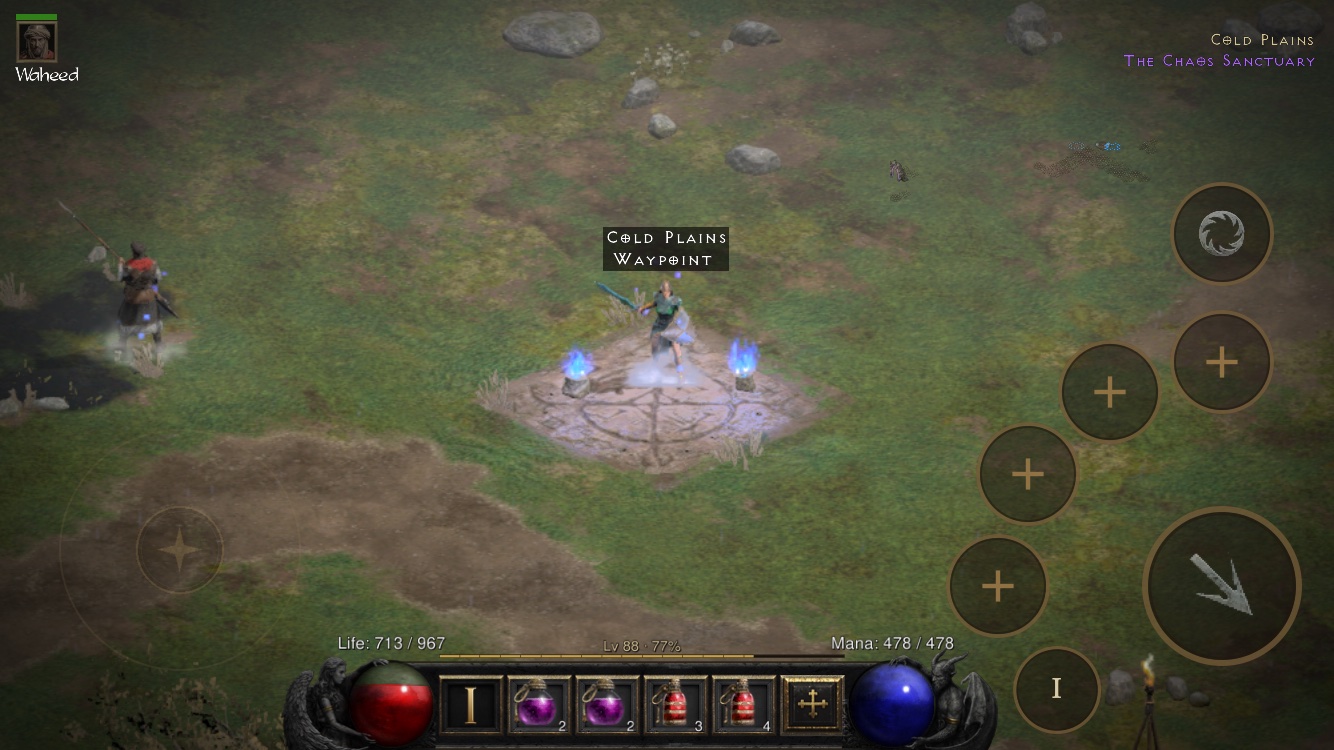
Navigation was the original's quiet time-sink — hours spent jogging through empty corridors looking for an exit. The port rewires the minimap: every map marks its Waypoint and exits, every quest goal is shown on the map, and when a target is off screen its name is written along the screen edge.
Chores Removed
Four classic D2R rituals are simply gone:
- Free identification — no more scroll economy;
- Free Town Portal — no scrolls needed, ever;
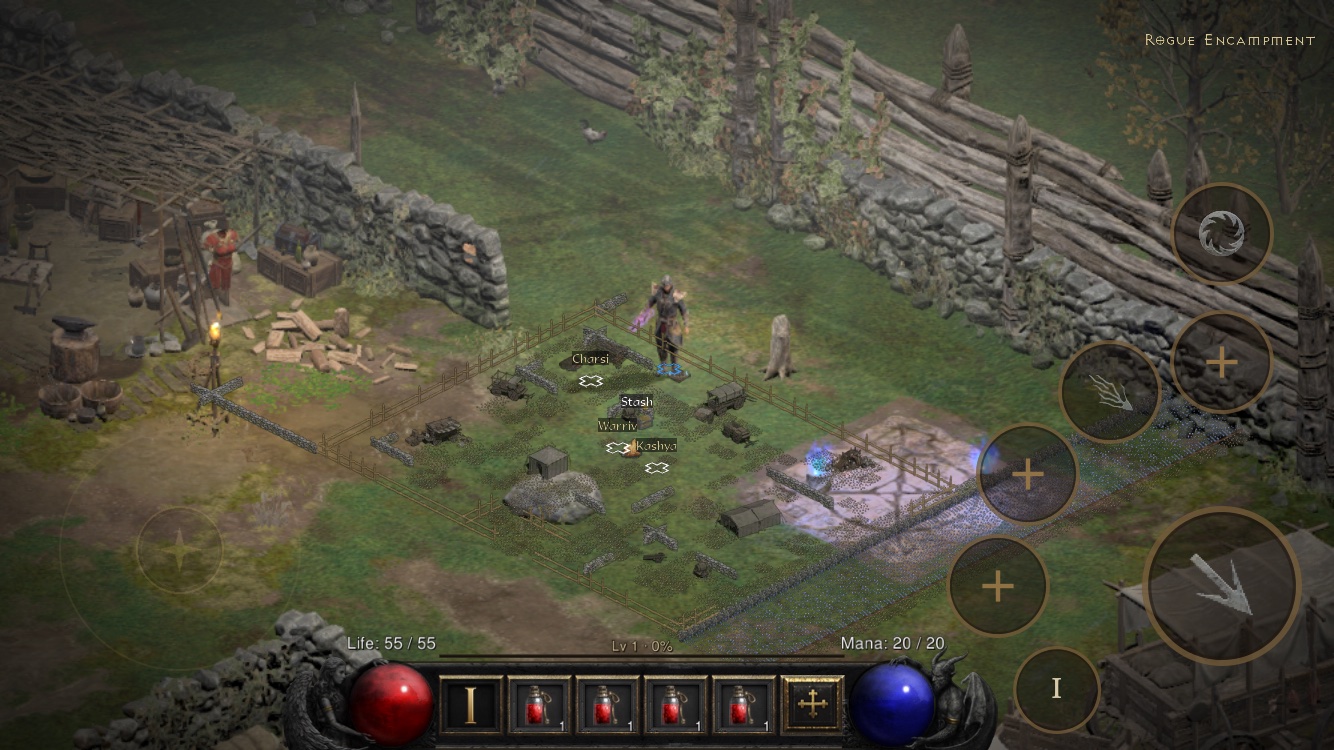
- Spawn beside the Waypoint — every new game starts you where you want to be;
- Quick Restart — back in a game in about 1.2 seconds, and vendor stock refreshes on demand.
Saves That Keep Up With a Phone
The game saves immediately when you switch apps, swipe the app away, or quit — the way a phone gets used. With a paid developer account, iCloud sync carries saves across your devices. On a free Apple ID there is no iCloud sync; see the install guide's signing table for the full trade-off.
QoL FAQ
Does any of this change the game's difficulty or rules?
No. Monster stats, drop tables, quests and difficulty progression are untouched — these features remove friction around the game, not the game itself. Purists can toggle most of them off under Options → Custom.
Is auto-drink risky — will it waste potions?
The thresholds (50% for healing, 30% for rejuvenation) are conservative by design: they trigger on real danger, not scratches. If you prefer manual control, the project supports toggling the behavior under Options → Custom.
Can I turn specific features off?
Yes — most features toggle individually in Options → Custom. The port's philosophy is that a phone changes your context daily; the QoL layer adapts to you, not the other way around.
Feature list and behavior descriptions from the d2r-mobile project README "Effortless farming" section (accessed 2026-10-16). Thresholds quoted verbatim from the project; framing and organization are ours.